By popular demand, we added an Android app widget starting in version 1.1.0. Now you can start and stop your fasts from your home screen! Here's how to add it:
1. Long press on your Android home screen and tap to add a widget
Depending on your version of Android, this may look a little different.

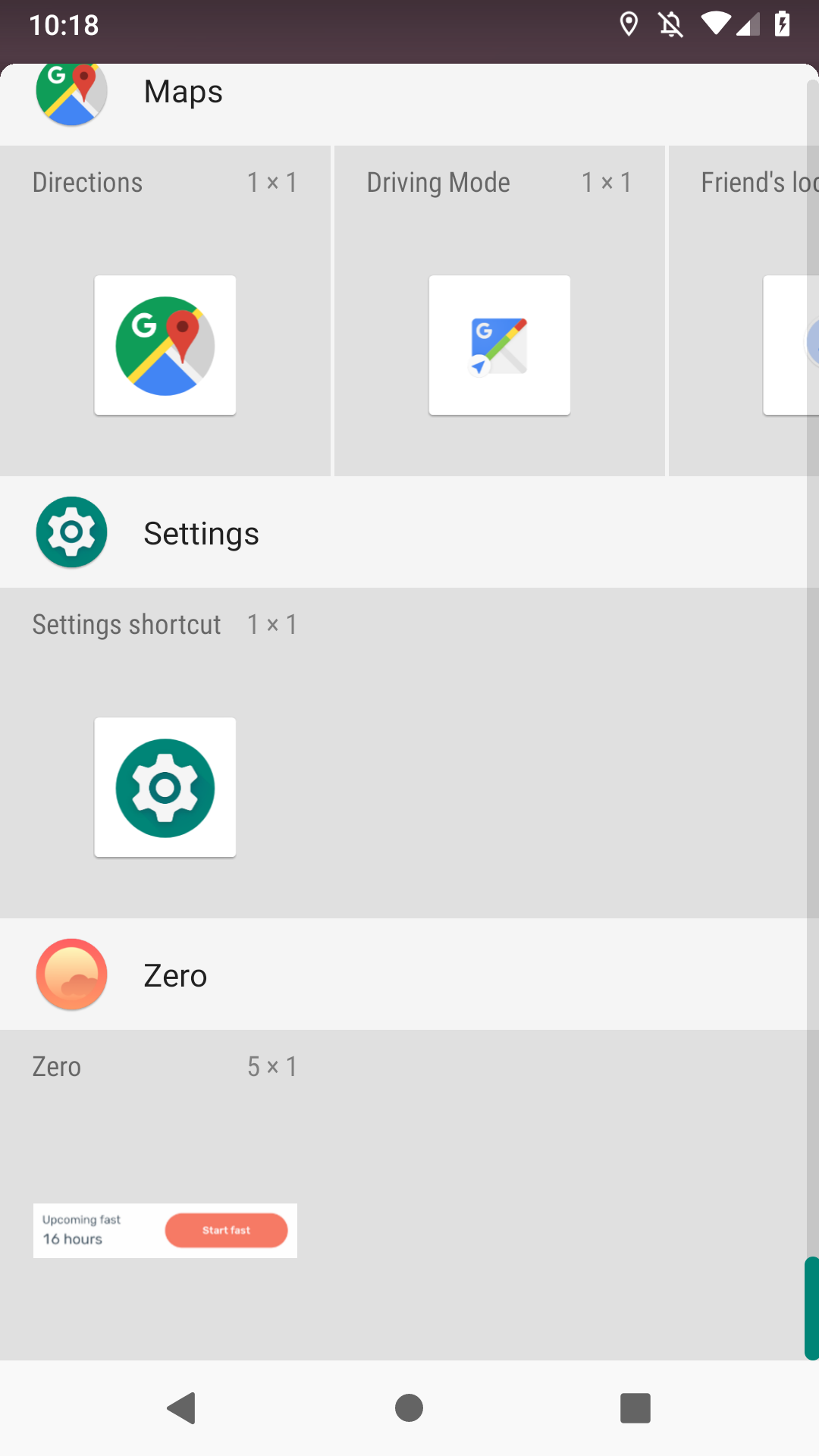
2. Find the Zero widget in the widgets list, and add it to your home screen
We should be down near the bottom hanging with the Zs. :)
Tap and hold the Zero widget from the list, and drag it to the area you want it to live.
The widget is either 4x1 or 5x1 depending on your device, and it should take up the width of your screen.
3. Initialize the widget
If you haven't loaded a new fast or started a new fast since updating to 1.1.0, you'll first need to initialize the widget. Tap 'Open Zero' to initialize the widget.

4. Enjoy the widget goodness!
Once you initialize the widget, you should be able to start and stop fasts from your home screen. When you tap start or stop, it'll also open the Zero app in case you need to make adjustments to start time. Enjoy!

Widget not working?
If you're having trouble with the Zero widget, we recommend the following troubleshooting steps:
-
Open 'Settings and go to 'Application Manager' (on some devices, 'Apps')
-
Go to 'All' tabs and tap the Widget to uninstall
-
Tap 'Uninstall' and confirm the process
-
Clear device cache
-
Restart device
-
Reinstall widget
Comments
1 comment
Is there a dark more or transparent mode for the widget? It's currently white which I find to be too bright.
Article is closed for comments.